The Plus Putt apps
Every putt from Path on your iPhone, iPad, Mac or Windows computer: the stroke in 3D, every number, your sessions and your trends.
The apps are coming soon.




Live putting
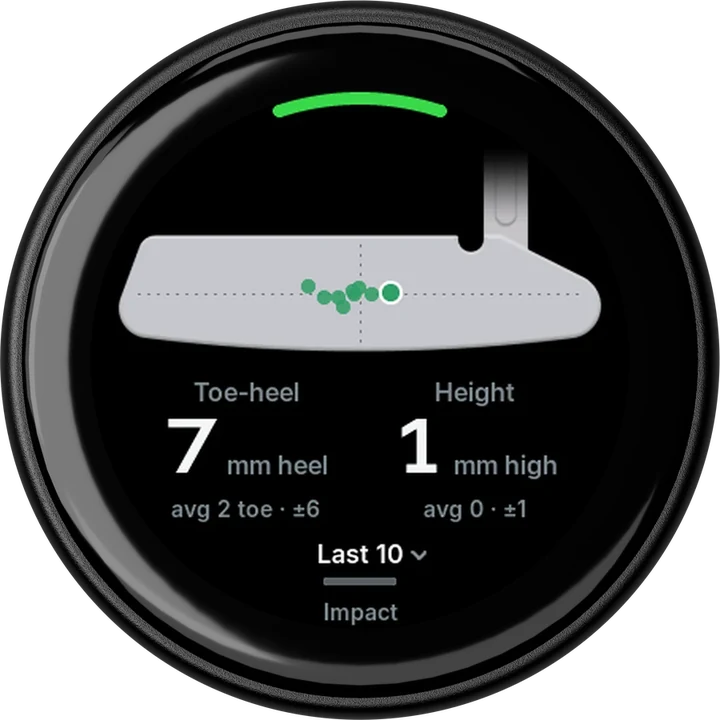
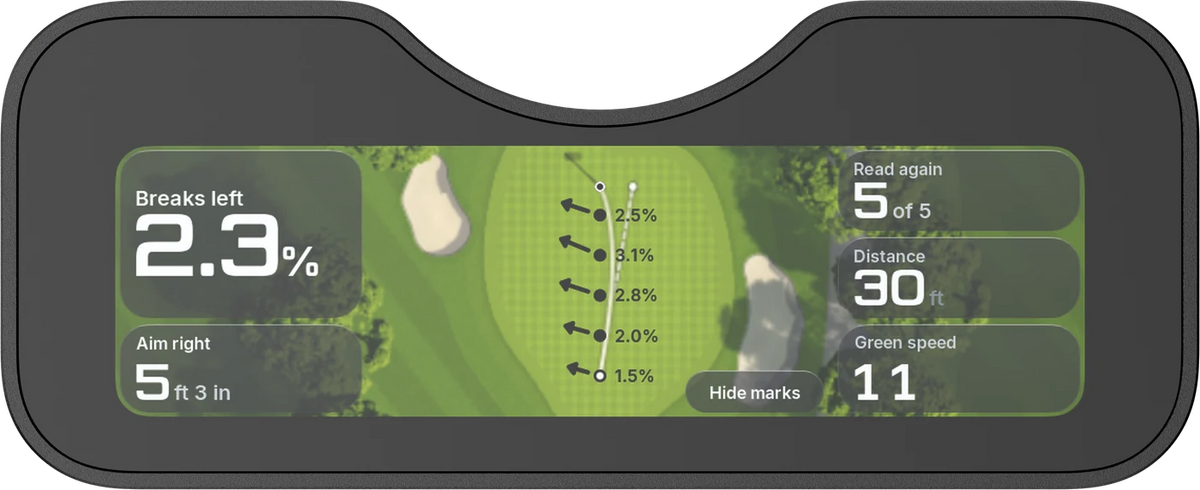
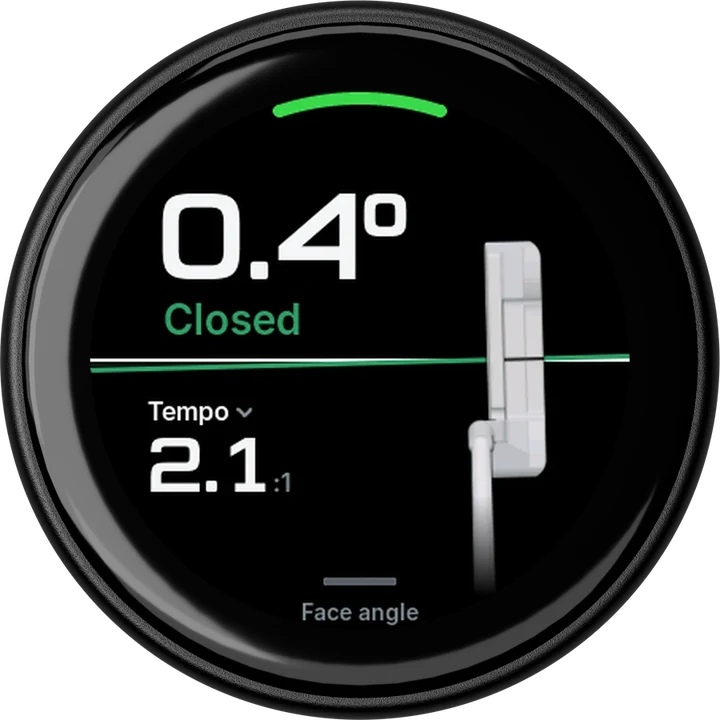
Path sends every putt over Bluetooth as you practice. The stroke plays in 3D, with face angle, path direction, tempo, speed and strike.
Under it, two pictures: the face against the path, and where the ball met the face.

Replay
Play any putt back and watch it from your eyes, down the line, face on, from behind, from the course or in 3D.
Pause anywhere to read the face angle at that point in the stroke.

Practice view
Practice view shows the number you're working on as large as the screen allows, so you can read it from your stance. You choose which number.
On iPad and on a computer, the stroke and where the ball met the face sit beside it.

Games
Mini golf, pool, darts and curling, on iPhone and iPad, played with real putts from Path. One to four golfers take turns, each with a name, a level and a colour.
Mini golf has two courses, Classic and Arcade, as 18 holes or a nine. Each game's putts are kept in History.


Coaching
After a session you get a score, how steady your face angle was and your best streak, with a line on what stood out.
Under it: face and path for every putt, your tempo, and where each putt met the face.

History
Every session is kept, by month, with its putts, its score and how steady your face was. Open one to go through its putts again, rename it or export it as a CSV file.

Trends
Follow your face angle, tempo and other numbers over 7 days, 30 days, 90 days, a year or all time, with how much each one varied. Show one putter or all of them.

Putter setup
Add each putter you use: head shape, neck, length, lie and loft. The replay and the strike picture draw that putter, and every putt keeps the putter it was hit with.

Details
- iPhone and iPad
- The Plus Putt app
- Mac and Windows
- Plus Putt desktop
- Path
- Live putts and replays (Path software 0.2.8 or later), and software updates
- Break 2
- Battery, software version and software updates, in the app on iPhone and iPad
- Games
- Mini golf, pool, darts and curling, on iPhone and iPad
- Account
- Not needed
- Subscription
- None